Navigation
Navigating the user interface is easy and intuitive.
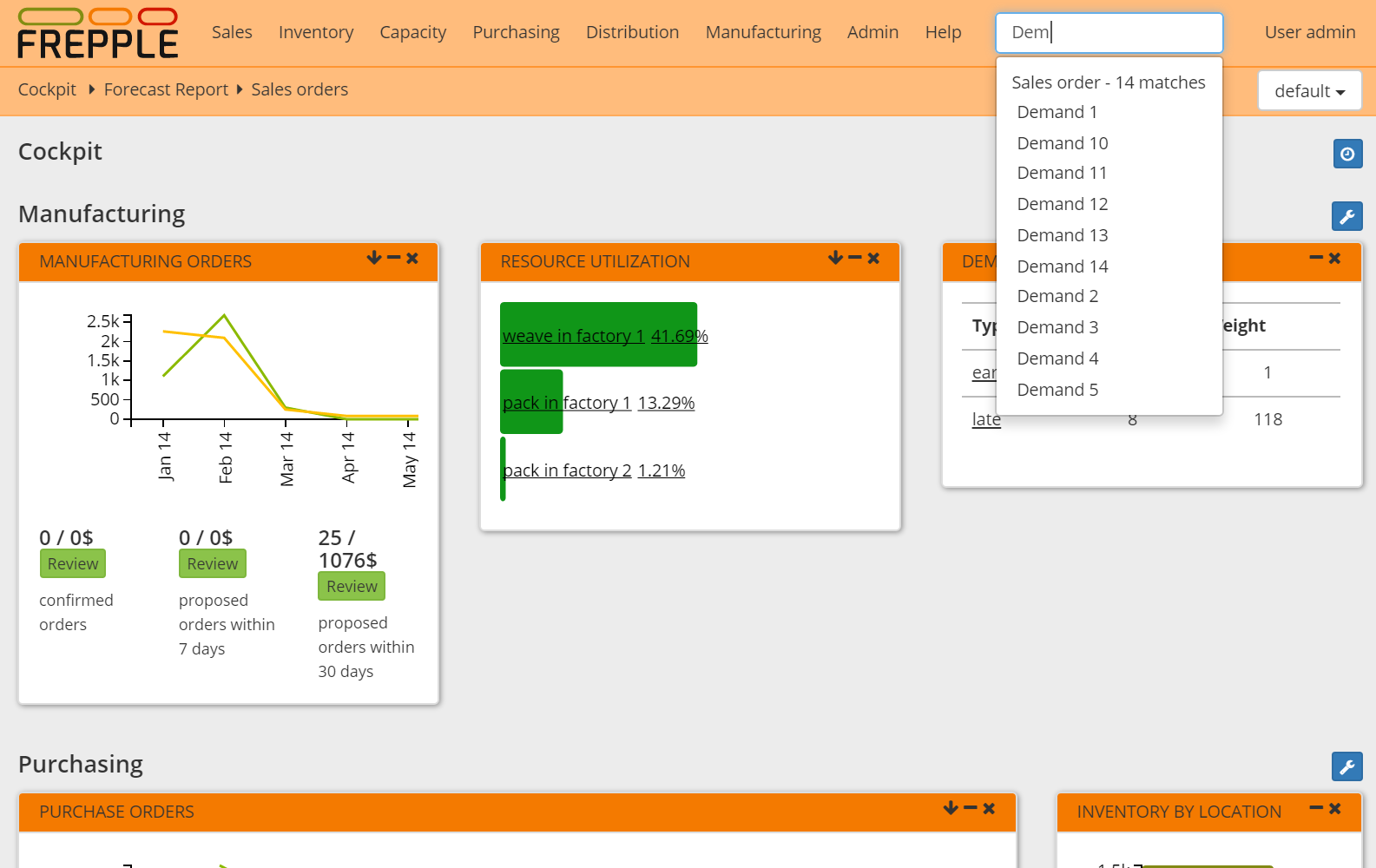
- Menu barDoesn’t need explanation…Screens to which you have no permissions will not be shown in the menu.
- Jump searchEnter 2 or more characters in the search box, and a list of matching objects is shown to you.
- BreadcrumbsThe breadcrumbs allow you to navigate with a single click to a screen you visited before.
- Detail linksThe modelling objects have an triangular icon next to them. Clicking on it will open a screen with a selection of detailed reports on the object.
The screenshot below illustrates each of these methods.